

Let’s be honest: SEO plugins aren’t magic. They won’t take a brand-new blog and launch it to page one overnight.
What they will do is help you handle the boring-but-important stuff (like page titles, descriptions, sitemaps, and redirects) without needing to learn a new language or crack open your theme files. Think of them like the sat nav in your car: helpful, but you still need to actually drive somewhere worthwhile.
Below are the best WordPress plugins (and a super simple way to pick the right one), written for normal humans who just want their posts to show up on Google. But first, why not check out our SEO tips posts on how to write with SEO in mind, and what your content needs beyond writing.
First rule: Pick ONE main SEO plugin (seriously)
Most of the “big” SEO plugins do the same core jobs. Installing more than one can create overlaps and weird behaviour, because they’re trying to control the same settings. Even Rank Math’s own docs basically say “don’t run multiple SEO plugins doing the same thing” because it can cause conflicts and unexpected results.
So: choose one “main” SEO plugin from the list below, then only add extra plugins if they cover something your main plugin doesn’t.
The best all-in-one SEO plugins (pick one)
1) Yoast SEO (the classic, beginner-friendly)
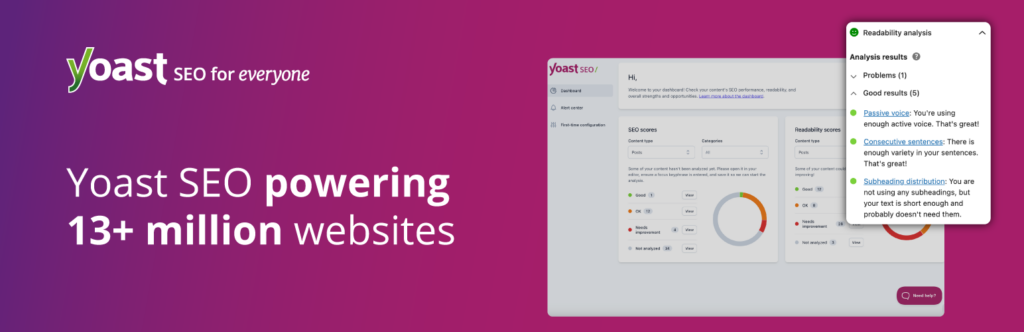
If you’ve heard of an SEO plugin before, it’s probably Yoast. It’s widely used (10+ million active installations) and frequently updated.
Best for: Bloggers who want clear guidance and a well-known tool.
What it helps with:
- Editing your SEO title and description (the bits people often see in search results).
- Basic “is this page set up sensibly?” checks.
- Sitewide essentials like sitemaps and metadata.
Worth knowing: Yoast is extremely feature-rich, but some extras are paid. Still, for straightforward blog SEO, the free version covers a lot.
2) Rank Math (feature-packed, lots in the free version)
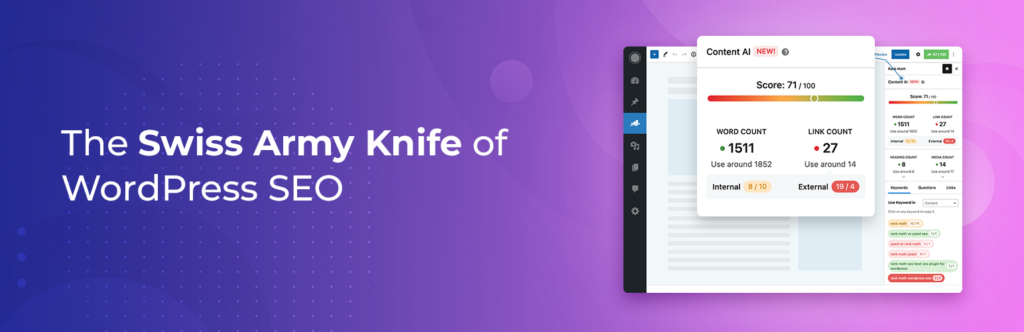
Rank Math is popular (3+ million active installs) and very actively maintained, with frequent updates.
Best for: People who like lots of controls, options, and built-in tools.
What it helps with (high level):
- Guided setup wizard.
- Built-in tools like schema options, redirects, 404 monitoring, and integrations.
- A modular system so you can switch features on/off.
Worth knowing: It’s powerful, but can feel like a lot if you just want “set it and forget it”. (You can keep it simple, though.)
3) All in One SEO (AIOSEO) (friendly setup + big user base)
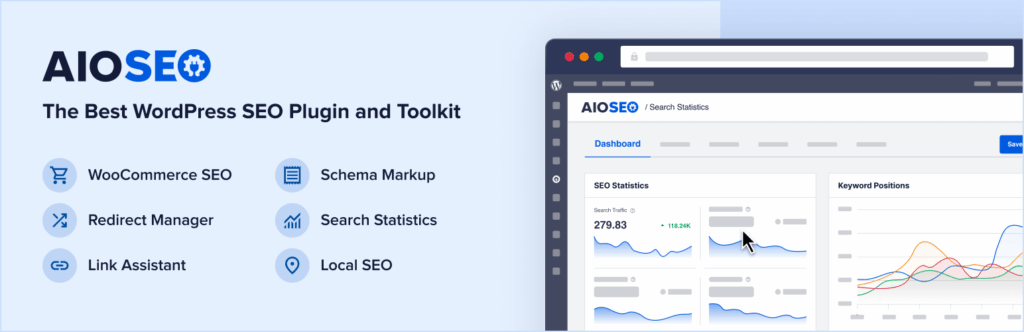
AIOSEO also sits in the “giant plugin” category (3+ million active installs) and is very regularly updated.
Best for: beginners who want a guided setup, plus room to grow.
What it helps with:
- Core SEO settings and sensible defaults
- Site-level controls (indexing settings, sitemaps, metadata)
- Extra tools like site audit-style checks (depending on version/features)
Worth knowing: Like most all-in-one SEO tools, some features are paid, but the core basics are covered well.
4) SEOPress (clean, privacy-friendly vibes)
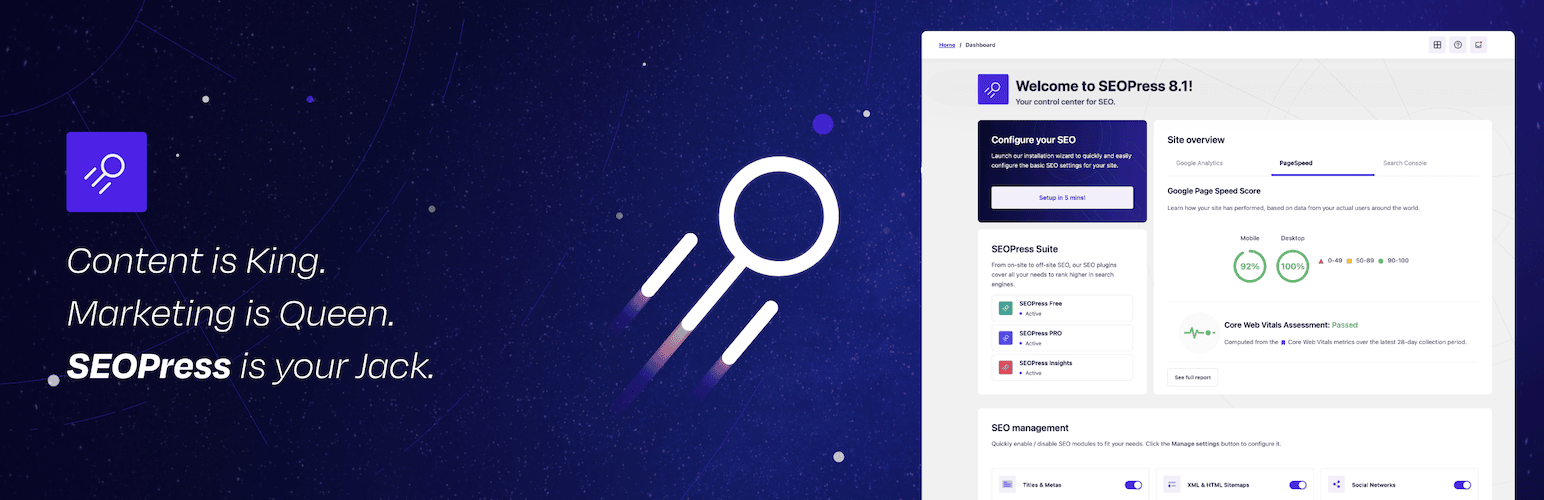
SEOPress is a solid option with 300,000+ active installs and a straightforward feature set.
Best for: people who want something powerful but less “in your face”.
What it helps with:
- Titles/descriptions, sitemaps, breadcrumbs
- Structured data (“schema”) and redirects (some features may vary by version)
- A generally “tidy dashboard” experience
Worth knowing: SEOPress positions itself as no-nonsense and white-label friendly (useful if you’re building sites for clients).
5) The SEO Framework (minimalist, automated, no nagging)
The SEO Framework is designed to be lightweight and “just do the job”, with 200,000+ active installs.
Best for: People who hate pop-ups, constant upsells, or endless settings.
What it helps with:
- Automatically generating key meta tags
- Sitemaps and structured data basics
- A more hands-off setup overall
Worth knowing: It’s updated less frequently than some others (still normal for stable plugins, but worth noticing if you’re cautious).

6) Slim SEO (ultra simple, “don’t make me think”)
Slim SEO is the “I just want the basics handled” choice, with 60K active installations and very recent updates. WordPress.com
Best for: small blogs, simple sites, and anyone who wants minimal setup
What it helps with:
- Automating core SEO tags and essentials
- Keeping your dashboard uncluttered
Worth knowing: You’ll get fewer knobs to turn, which is either a dream or a deal-breaker, depending on your personality.
Quick pick guide (no spreadsheets, promise)
If you want…
- The most “standard” choice: go Yoast
- Loads of features and switches: go Rank Math
- Guided setup with a big user base: go AIOSEO
- Clean and flexible without the fuss: go SEOPress
- Minimal, quiet, and automated: go The SEO Framework or Slim SEO
Bonus plugins that help SEO (without duplicating your main SEO plugin)
These aren’t “SEO plugins” in the classic sense, but they can absolutely help your rankings because they improve how your site runs and how users experience it.
A) Redirection (for fixing broken links)
If you ever change a URL, delete a post, or tidy up old content, redirects stop visitors (and Google) from hitting dead ends. Redirection is huge (2+ million active installations).
Use it for:
- Sending old URLs to the new version
- Tracking 404 errors and cleaning them up over time
B) LiteSpeed Cache (speed and performance help)
Site speed matters for user experience, and Google’s systems use page experience signals like Core Web Vitals.
LiteSpeed Cache is one of the most widely used performance plugins (7M+ active installations).
Use it for:
- Caching and performance tuning (without needing to be a developer)
Small note: caching plugins can be a bit “set it wrong and things go weird”, so change one setting at a time and check your site as you go.
C) Smush (image compression without the headache)
Big images slow pages down. Smush is a popular image optimisation plugin (1M+ active installs).
Use it for:
- Compressing images so your pages load faster
- Keeping media libraries tidy-ish (depending on configuration)
Simple setup checklist (works for most sites)
Once you’ve picked your main SEO plugin, do this:
- Run the setup wizard (if it has one). Choose: blog, business, portfolio, etc.
- Set your homepage SEO. Your homepage title/description should say what the site is about in plain English.
- Make sure your sitemap is on. Then submit it to Google Search Console.
- Decide what shouldn’t appear in Google. Things like admin pages, thank-you pages, and thin tag archives often don’t need indexing.
- Set sensible defaults for titles. Example: “Post Title | Site Name”.
- Turn on social sharing previews. So links look good on Facebook/X/WhatsApp.
- Keep it tidy going forward: when you publish a post, fill in the SEO title/description (or at least check they look sensible).
That’s it. You don’t have to tick every advanced box on day one.
One last tip: don’t install “all the things”
More plugins = more moving parts = more chances for something to slow down, conflict, or break after an update.
Pick one main SEO plugin, then only add extras if you have a clear reason (redirects, speed, images). Your future self will thank you.
Find more useful content like this over on our blog.